Music videos for TikTok, Instagram, YouTube and X
Cut your visuals to the beat.
BassReel puts moving visuals on a timeline under a song and makes the video in the shape each app wants: vertical for TikTok, Instagram Reels and YouTube Shorts, portrait and square for the Instagram feed, landscape for YouTube and X. Every design moves to the song's own beat, and the sound is in the file.
One payment, no subscription · $19 if you own BassPlane · 3-day free trial · Windows 10 or 11
How it works
From a song to a post in four steps
Add a song
MP3, WAV, M4A, OGG or FLAC. BassReel listens to the whole track once, finds its tempo and marks every beat along its waveform.
Make spots
Loops built from layers: fields of lines shaped by the sound, light tunnels, lasers, LED walls and other VJ looks, dancers made of light that move to the beat, a crowd of phones lighting up in waves, names in your own font, your clips and your logo. They move with the bass, the mids and the highs.
Cut on the beat
Put spots and videos one after another on the timeline, with crossfades, morphs, flashes, wipes or straight cuts. Cut with the blade, roll a cut onto the beat, or slice a clip on every bar: everything snaps to the song's beats. Paste the lyrics and each line becomes a caption on its bar, sung word by word in colour, or let BassReel listen to the song and write the words it hears, for you to check before they go on.
Export for each app
Give it a look (Vivid, Warm, Cinematic, Faded film, Neon night, Black and white and more, or your own brightness, contrast, levels and hue), choose the shape and the quality. BassReel makes an MP4 with the sound, ready to upload to TikTok, Instagram, YouTube or X.
Every shape
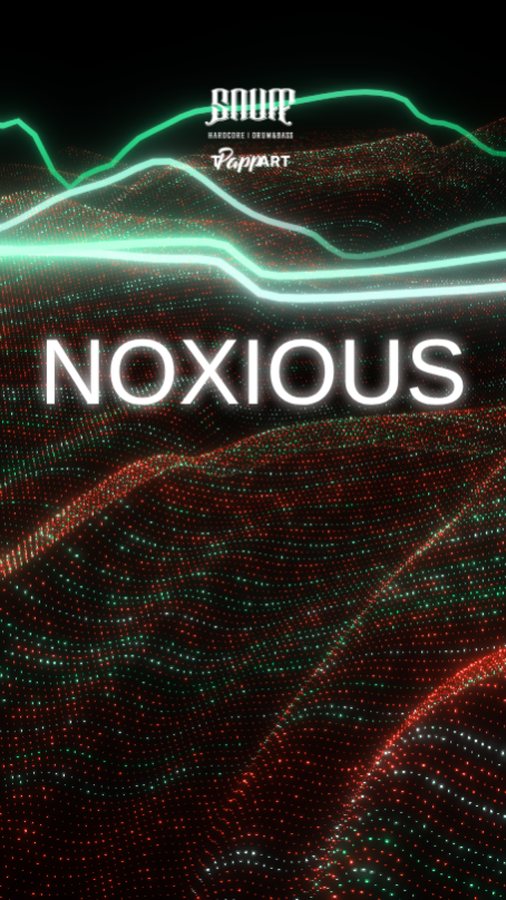
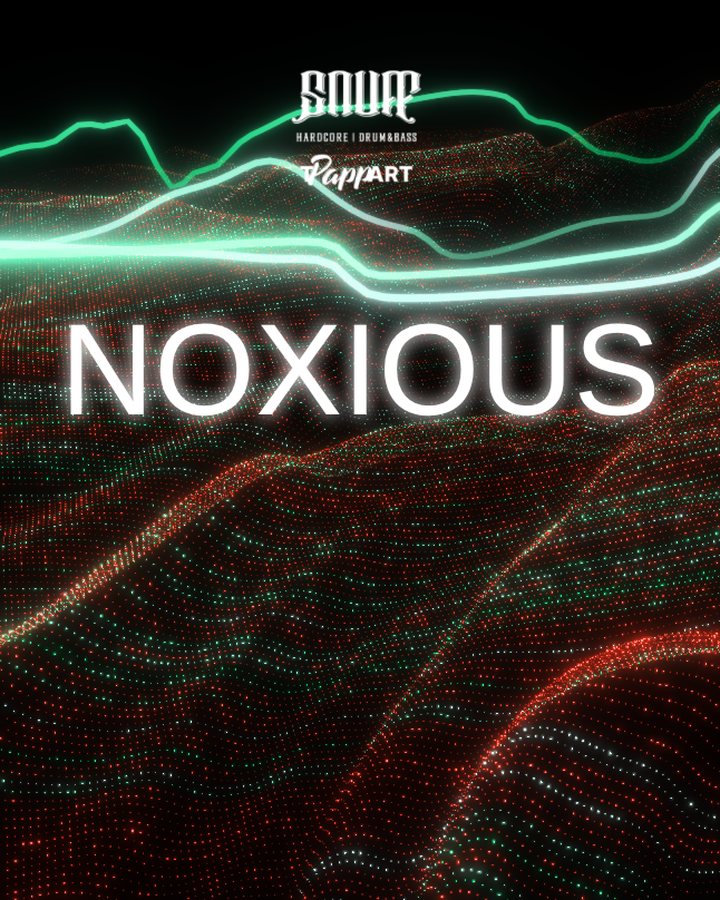
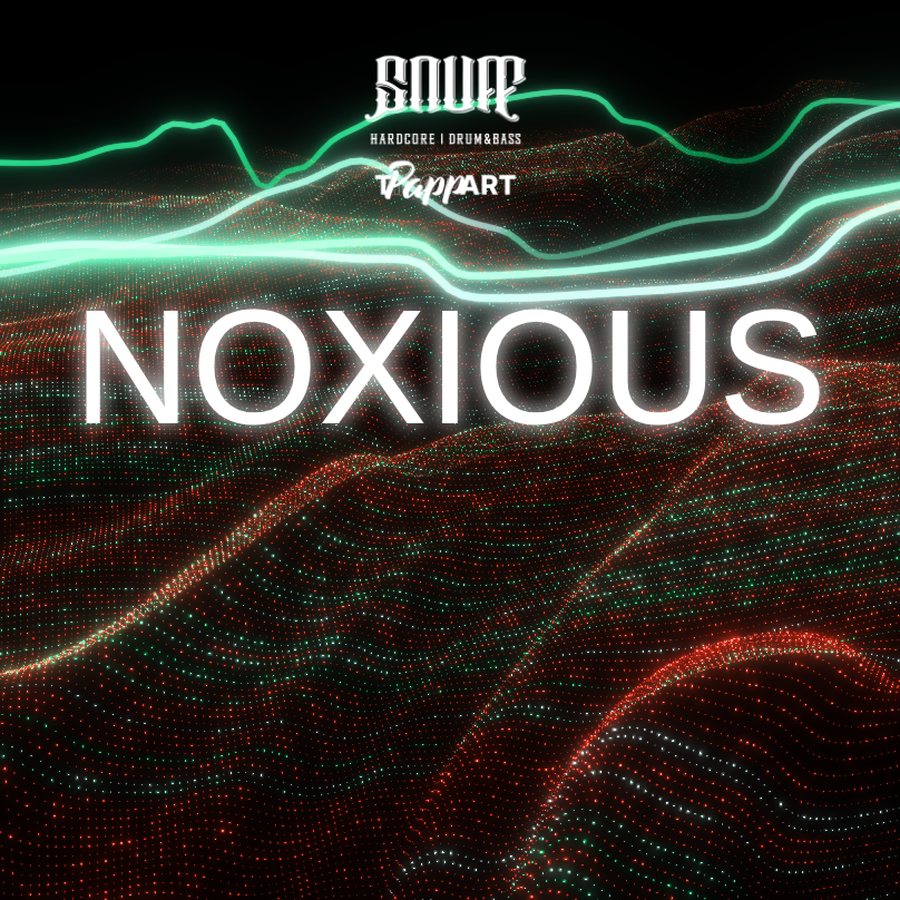
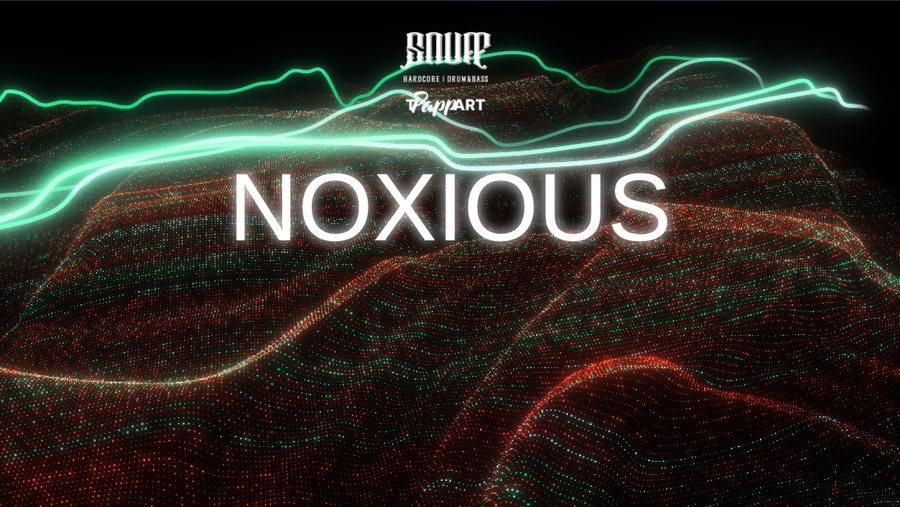
One edit, four videos
Change the shape and the same timeline is drawn again for it: designs fill the new frame, videos are cropped to fill it, nothing is stretched. The previews in BassReel take the shape too, so what you see while you edit is what goes in the file.
Quality
| Quality | Size |
|---|---|
| Draft | 720 across the short side, quick to make, for checking |
| Standard | 1080 across the short side, 30 frames a second: what the apps show |
| High | 1080, 60 frames a second, for smoother movement |
| 4K | 2160 across the short side, for YouTube |
The file
- MP4 with H.264 video and AAC sound, with its index at the start, the way the apps take it. Or a smaller file for the same picture: MP4 with H.265 or AV1, or WebM with VP9 or AV1, where your computer can make them.
- Made frame by frame, not recorded: every video in it lands on its exact frame, and the music drives the pictures exactly as in the preview, on a slow computer as on a fast one.
- For vertical videos, BassReel marks where TikTok, Reels and Shorts put their caption and buttons, so names and faces stay clear of them.
- It warns when a video is longer than an app takes: 3 minutes for Shorts and Reels, 2 minutes 20 seconds for X without Premium.
Inside BassReel
A night's visuals, ready to post
The spots BassPlane put on the wall at the SNUFF Halloween Rave at Nemesis Art Club, a clip from the night and a test beat, cut on the bars in BassReel. The video at the top of this page is the result.
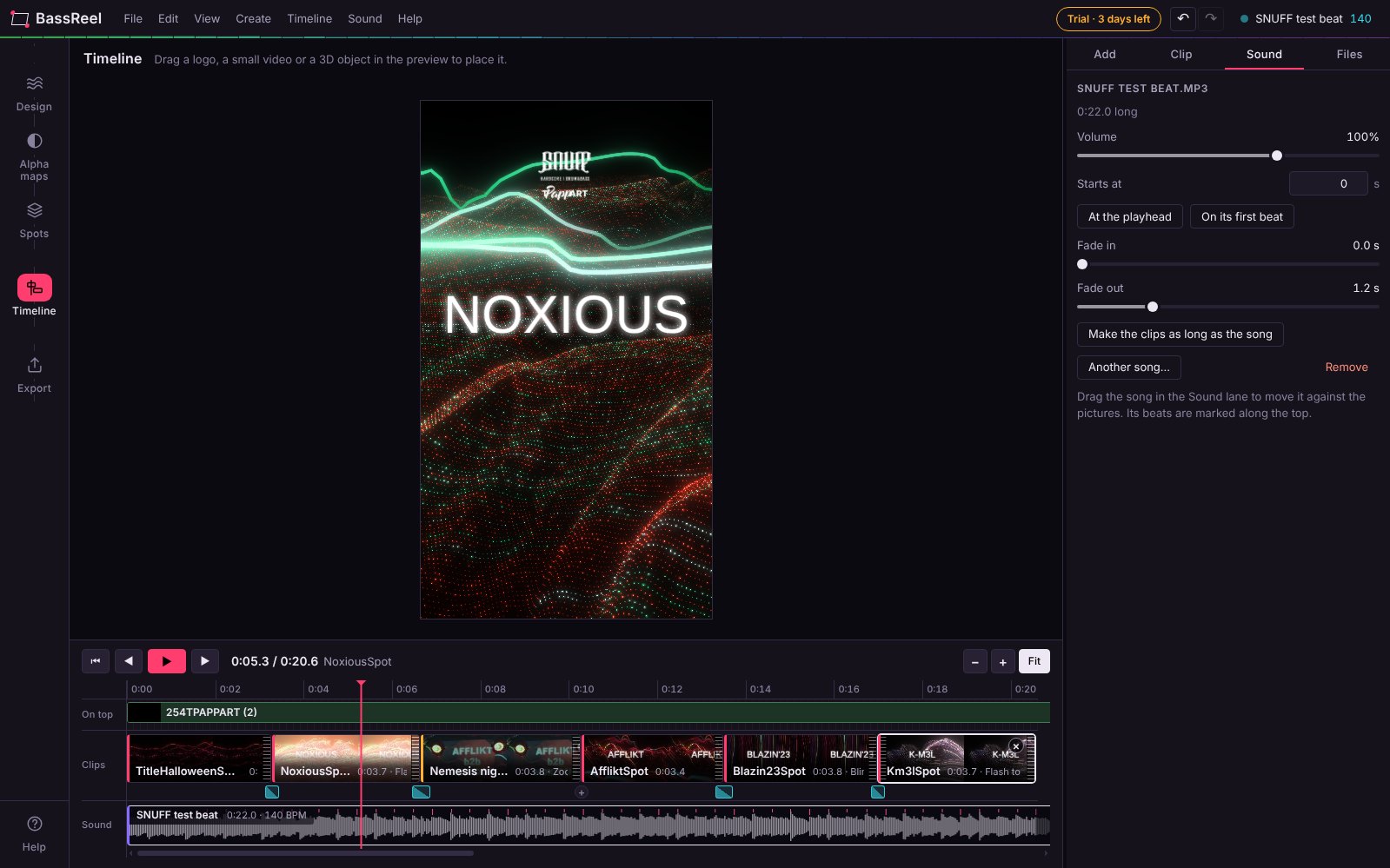
The song under the clips
Spots and videos one after another, with transitions, and the song in its own lane with every beat marked. Drag it to choose the part you want.
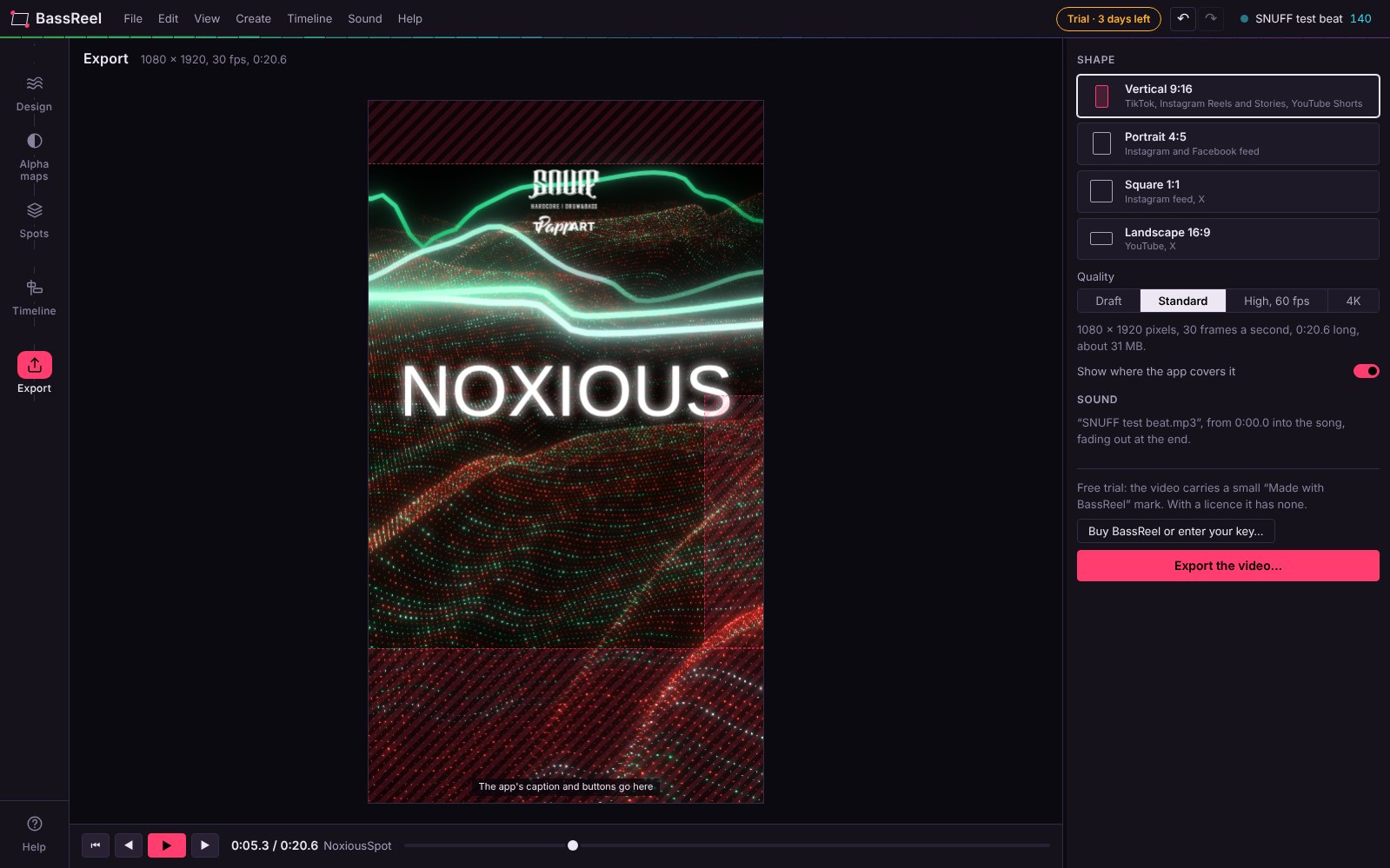
Export for each app
Pick the shape and the quality and see the video as it will be, with the parts TikTok, Reels and Shorts cover with their buttons marked.
BassReel and BassPlane
The same visuals, on the wall or on the feed
BassReel is BassPlane's designs, spots and timeline without the projectors, with a song and an export. If BassPlane is on the computer, BassReel starts with a copy of your designs, spots and timeline, so the look of last night's show can be this week's posts.
| BassPlane | BassReel | |
|---|---|---|
| Designs, alpha maps, spots and the timeline | Yes | Yes |
| Projectors, mapping onto walls, blackout and freeze | Up to five | No |
| Music | Heard live: line-in, microphone or the computer's sound | A song on the timeline, in the video |
| Video files for TikTok, Instagram, YouTube and X | No | MP4 or WebM in four shapes, up to 4K |
| Price | $49 | $29, or $19 if you own BassPlane |
Free trial
Try all of it for 3 days
Everything BassReel does, with your own songs and clips. No card, no account, no key. Videos made on the trial carry a small “Made with BassReel” mark; buy a key and they are clean.
Download the free trialBassReel-Setup-1.5.1-online.exe, 3.6 MB, for Windows 10 or 11. It downloads the rest of BassReel, about 160 MB, while it installs.
Install it
The installer is new and not signed yet, so Chrome may say the file “isn't commonly downloaded and it may be dangerous”: choose Download suspicious file. When you run it, Windows warns too: choose More info, then Run anyway.
Start the free trial
When BassReel opens, choose Start the free trial. The top bar counts down the days left.
Keep it
Buy a key whenever you are ready and paste it in. Your spots, designs and timeline stay as they are.
Price
One payment, no subscription
$29once
Buy BassReelOwn BassPlane? You pay $19. Your code is in your BassPlane purchase email and in Polar's customer portal; enter it at checkout.
Not sure yet? Try it free for 3 days first.
Sold through Polar, which takes the payment, adds the VAT for your country and sends the invoice. Your receipt, licence key and download links arrive by email.
What you get
- Both installers: online (about 2 MB) and offline (about 110 MB)
- The built-in guide, also as a PDF
- A licence key for 2 of your own computers
- Every video you make is yours to post, paid work included
Not what you expected? Write to t.papp@pixelwarpstudios.com within 14 days for a refund.
Questions
Before you ask
Can I use any song?
BassReel puts whatever song you give it into the video. Whether you may post it is between you and whoever owns the song: use your own music, music you have a licence for, or check the app's rules. TikTok, Instagram and YouTube may mute or block a post that uses music without permission.
Do I need BassPlane?
No. BassReel works on its own, with its own designs to start from. If you have BassPlane, BassReel starts with a copy of your designs, spots and timeline, and you pay $19.
Does my BassPlane key work in BassReel?
No. They are sold apart and each has its own key, for two computers each. BassPlane owners get the $19 price with the code in their purchase email.
How long does it take to make a video?
Longer than the video lasts: each frame is drawn in full and every clip is set to its exact frame. How long depends on the graphics card, the quality and the length. Draft is the quick way to check a cut before the final export.
Which videos can I put on the timeline?
MP4, MOV and MKV with H.264, and WebM with VP8 or VP9, play as they are. AVI, FLV, TS and camcorder MTS files are made into an MP4 as they come in. Their own sound is not used: the song is the sound of the video.
Does the video have a watermark?
Only on the free trial: a small “Made with BassReel” mark. With a licence key there is none.
Does it run on a Mac?
No. BassReel is a Windows app, for Windows 10 or 11.
Chrome or Windows warns me about the installer. Is that normal?
Yes, for now. The installers are new and not signed yet. Chrome says the file “isn't commonly downloaded and it may be dangerous”: choose Download suspicious file. Windows SmartScreen warns the first time it runs: choose More info, then Run anyway. Download BassReel only from bassplane.com or the links in your purchase email.
Where do I get help?
Help (F1) inside the app explains every feature and saves the same guide as a PDF. For anything else, write to t.papp@pixelwarpstudios.com.