Projection mapping for DJs, VJs and club nights
Turn any wall into the show.
BassPlane maps ordinary projectors onto the walls, the booth or a column and fills them with each DJ's name, visuals and video, all moving with the bass. One laptop, up to five projectors: your night looks like a festival and ends up in everyone's stories, without the LED-wall budget.
One payment, no subscription · 3-day free trial · 14-day refund · Windows 10 or 11
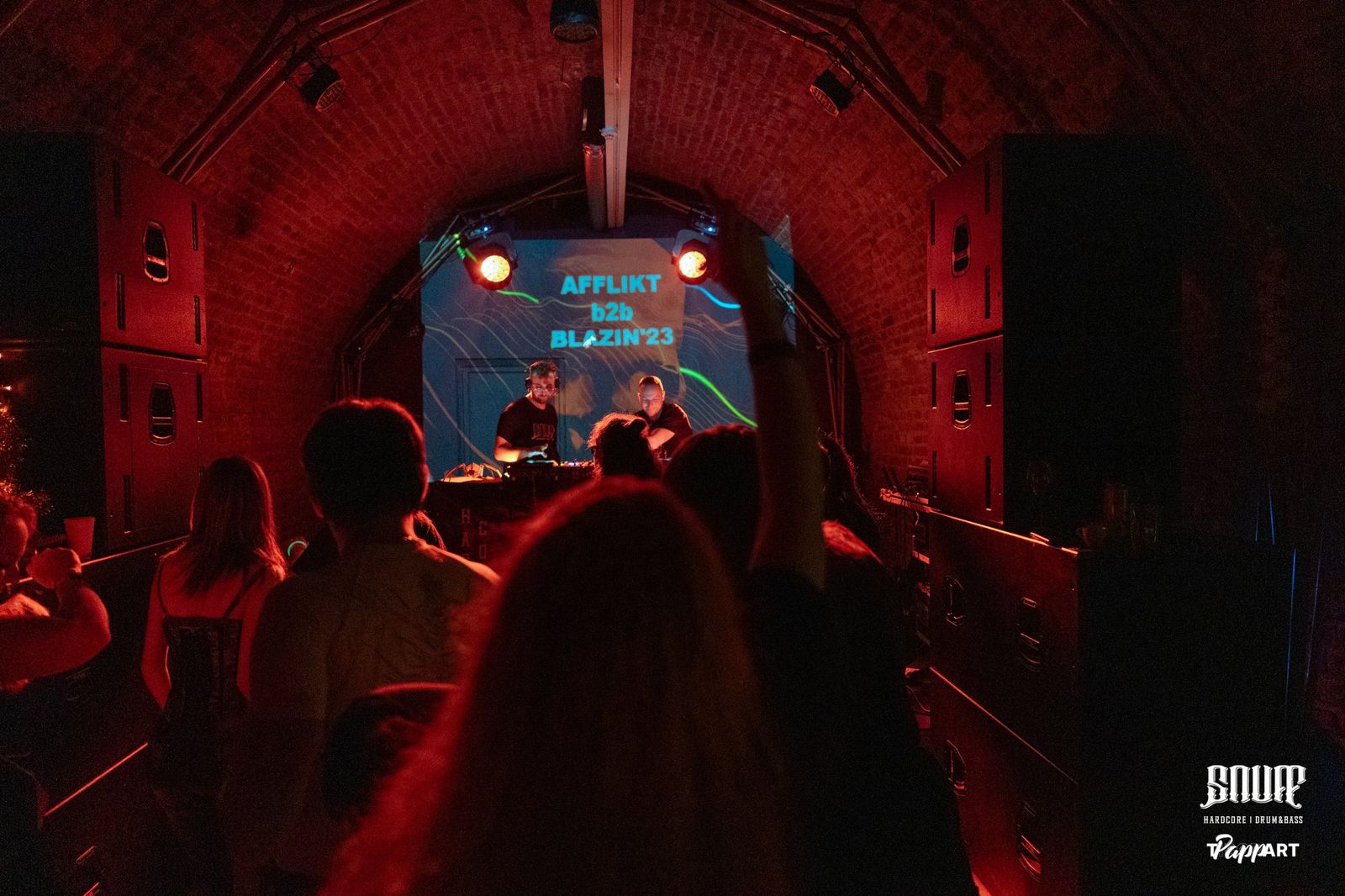
Filmed at SNUFF Halloween Rave, Nemesis Art Club
Try it here
Drag a corner onto the wall
This is how mapping works in BassPlane: a plane for each surface, its four corners pinned to the wall's corners, and the picture bends to fit.
Three walls and the front of the booth, each with its own plane. Drag any corner, or focus one and nudge it with the arrow keys, 1 px at a time. The keys are the ones the app uses.
Inside the app
A real show, built in BassPlane
Screen recordings of BassPlane with the SNUFF Halloween show from Nemesis Art Club loaded and the test beat running: the DJs' screens, the walls, a clip from the night and a second projector.
Every DJ, their own screen
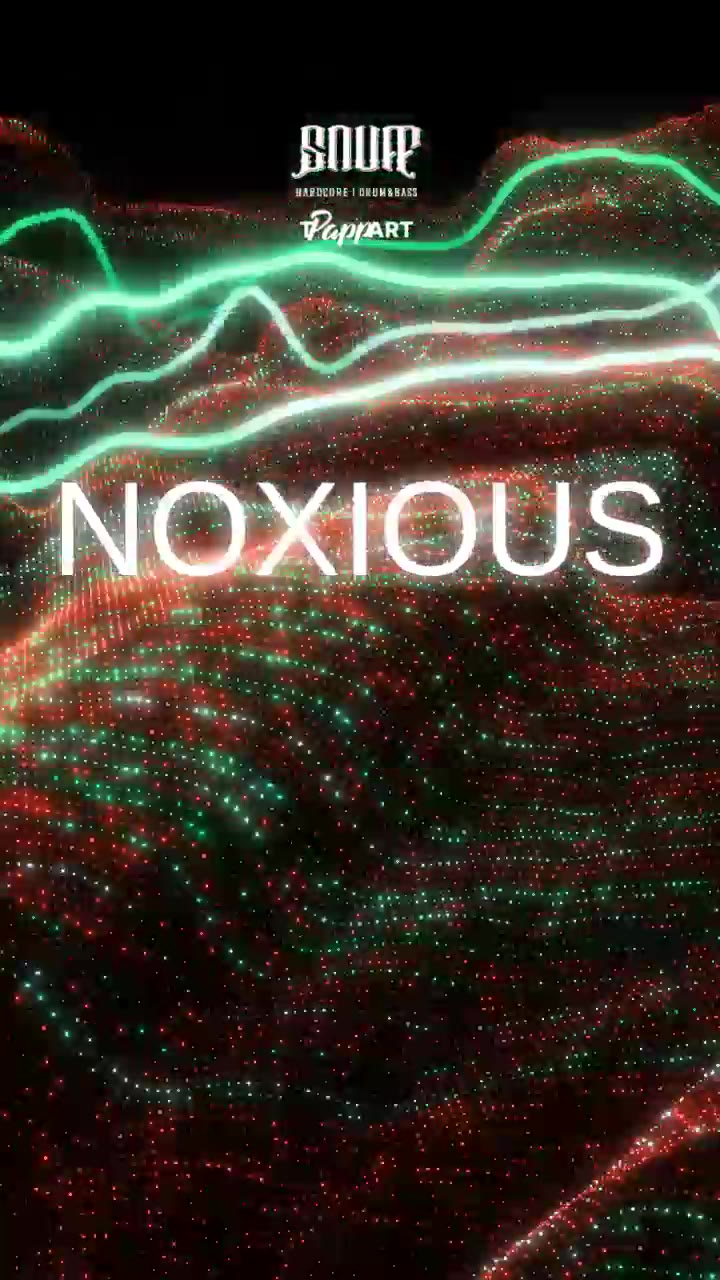
Each set gets its own spot: the DJ's name in your font over lines that move with the bass. One click switches to the next.
A new name in seconds
Type it in while the beat keeps running, and every spot that uses it changes with it.
Pin a plane to every wall
Add a plane, drag its four corners onto the wall, give it a picture. Then the next one: up to twelve, in five shapes.
Your clips on any plane
Load a video onto a plane, or put it behind a DJ's name in a spot, with the lines over it.
Two projectors, one window
Add one from the Output menu and map it like the first. Show puts every projector in front of you, and each plane goes on or off with a click.
Everything moves to the beat
How hard the music drives each layer, its speed and its colours, all changed live. Then the night in order on the timeline, with crossfades.
First night out
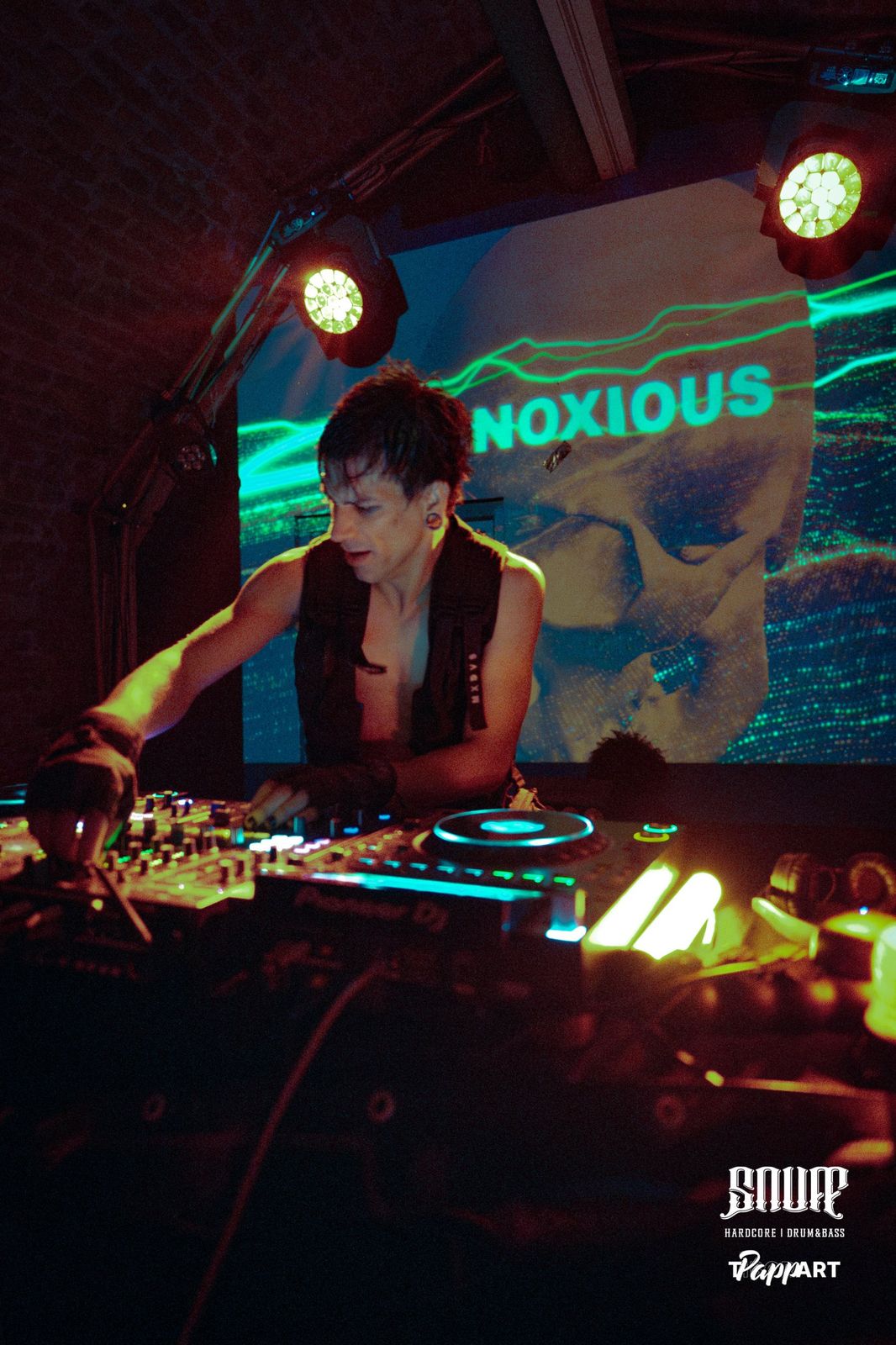
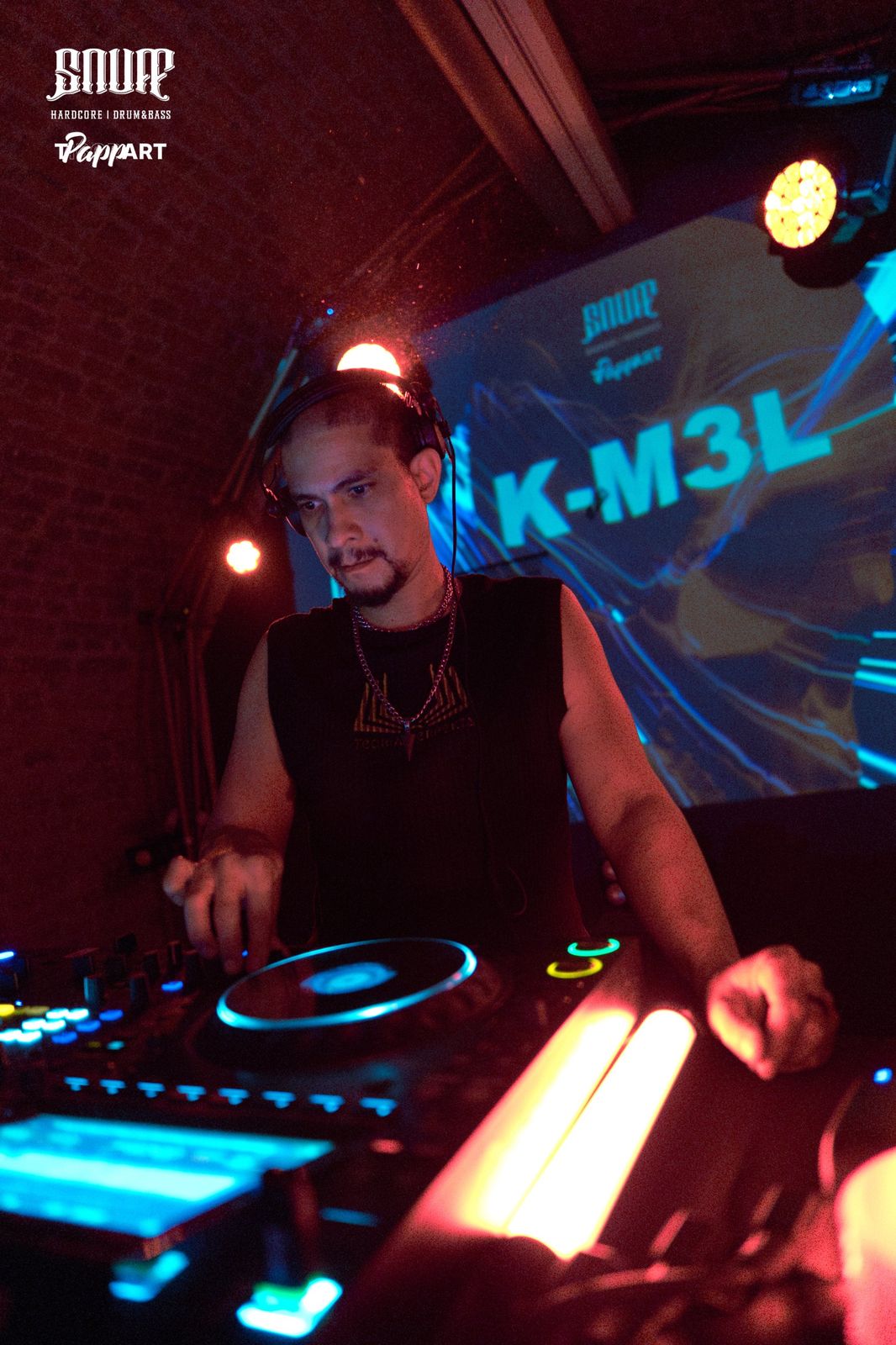
SNUFF Halloween Rave, Nemesis Art Club
BassPlane's first night in a real club: hardcore and drum & bass in a brick vault, with the picture on the back wall behind the decks. Every set got its own look, the DJs' names in big type over moving lines and artwork, changed on the fly as the line-up went on.
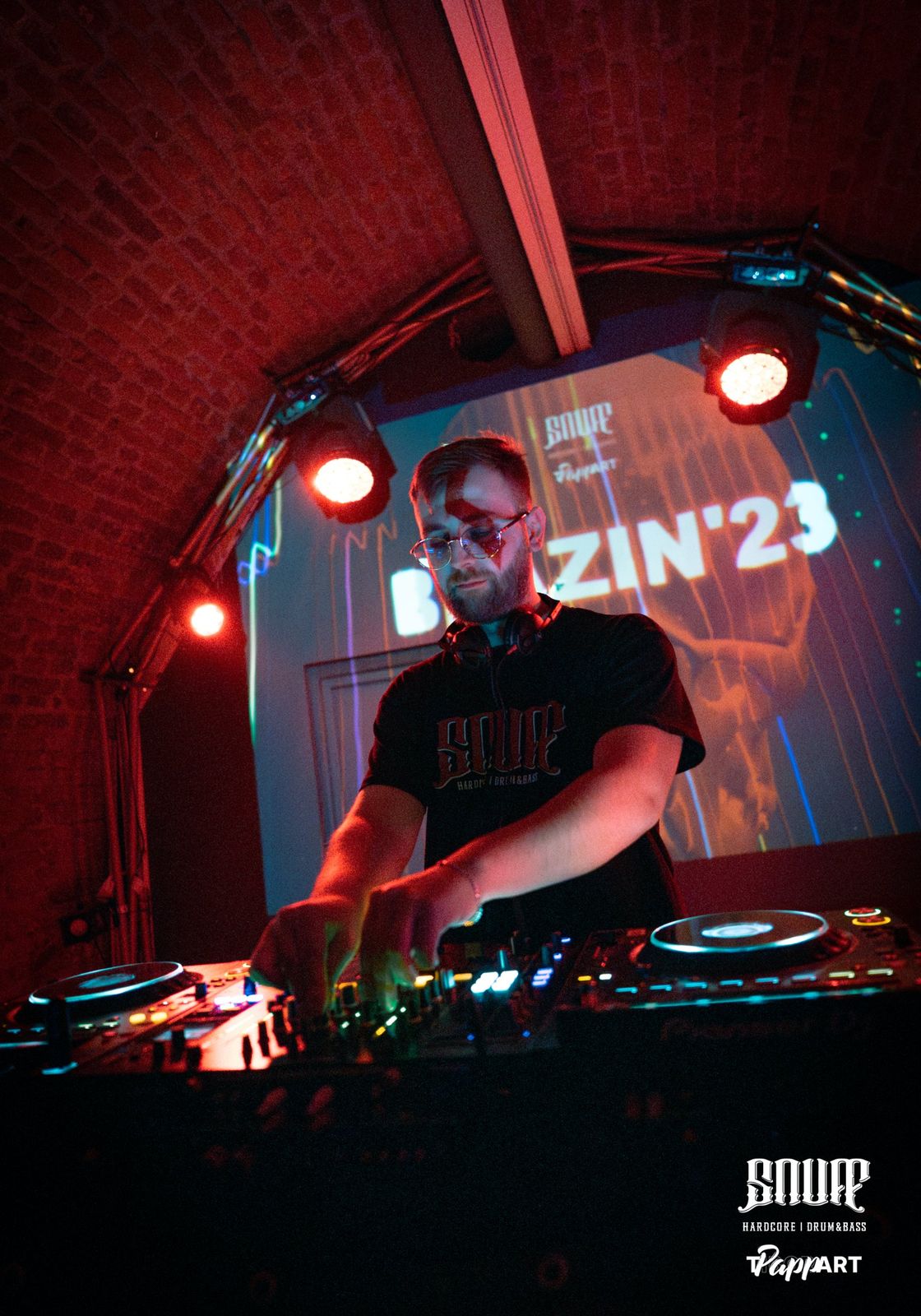
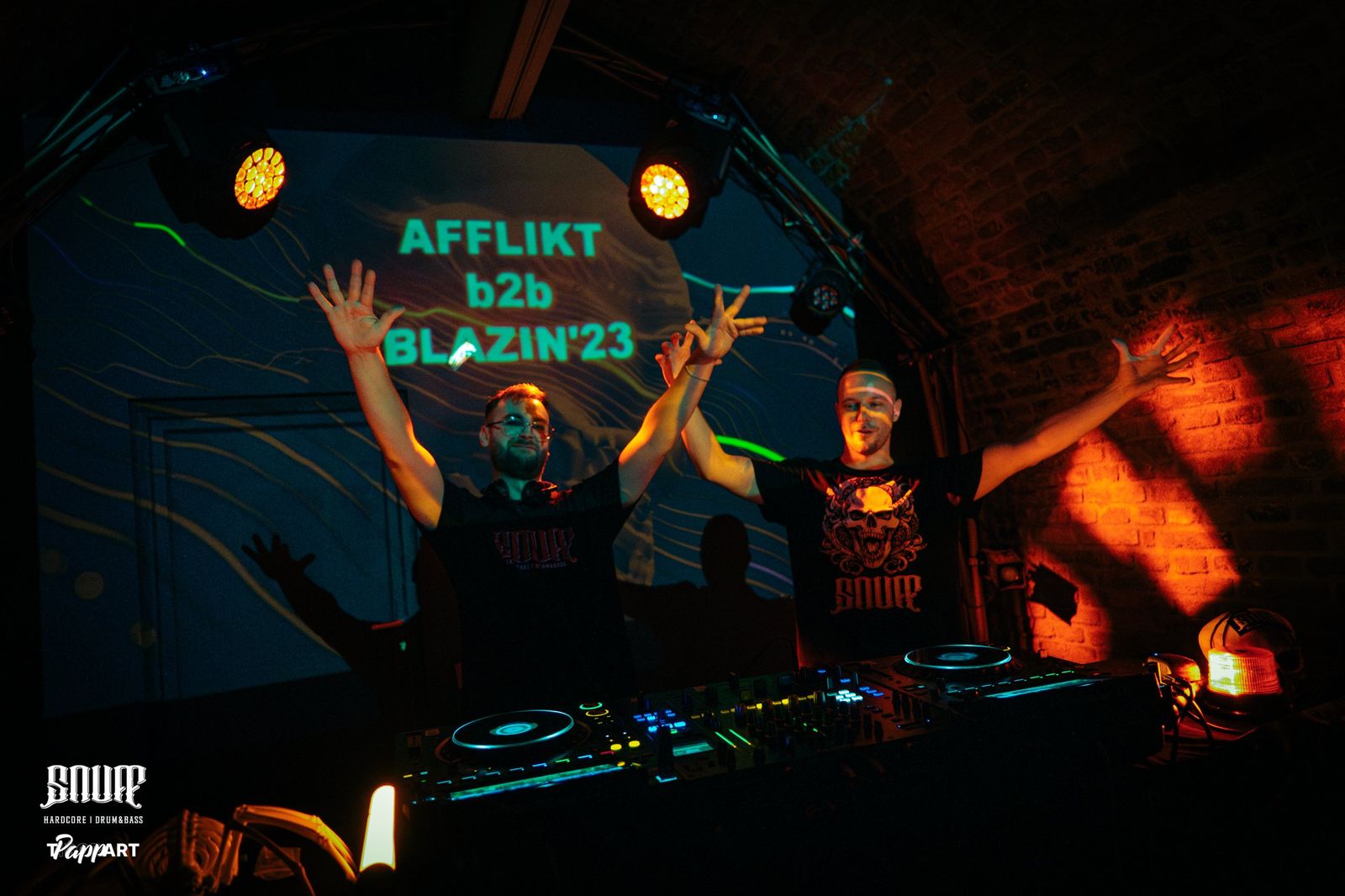
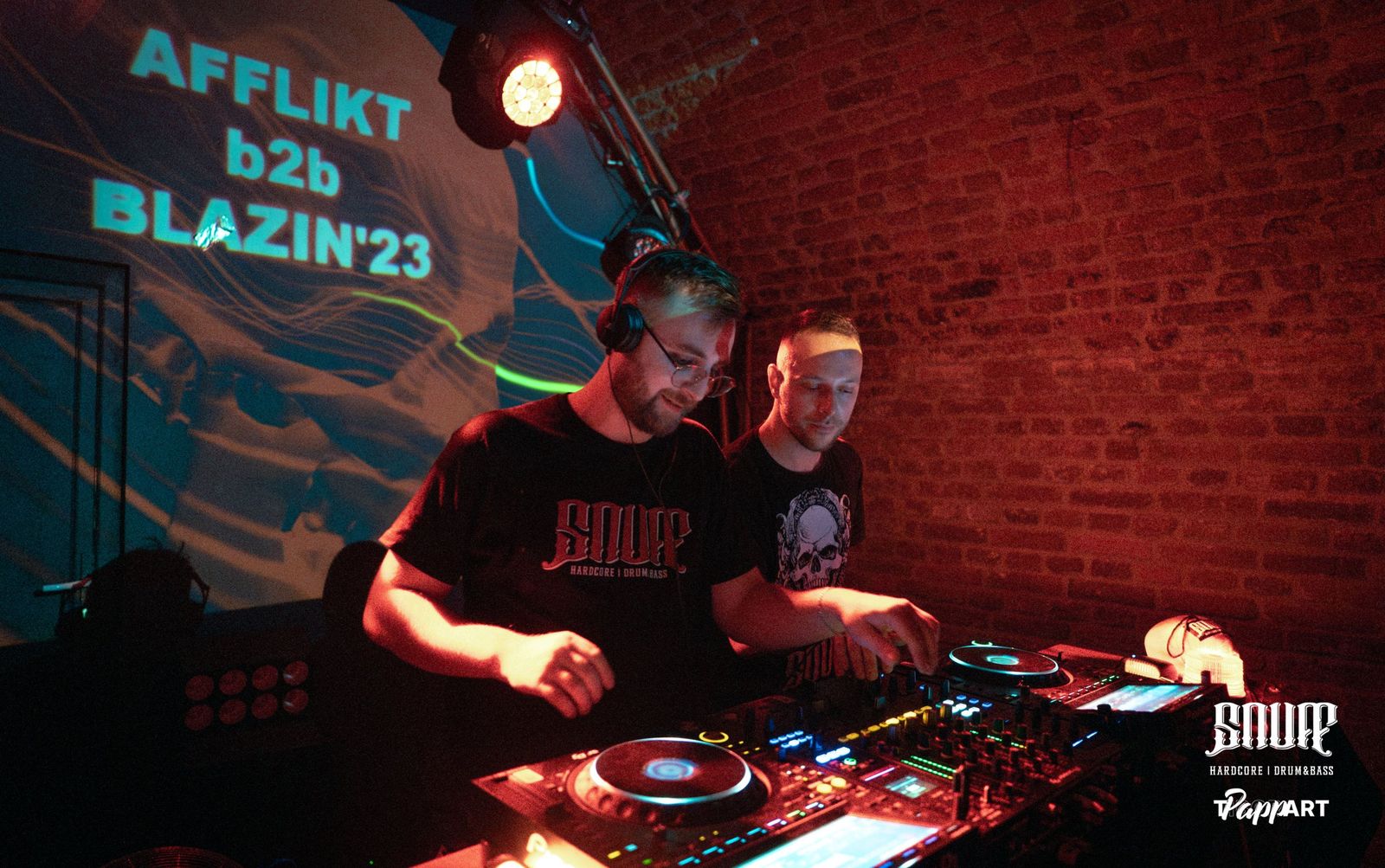
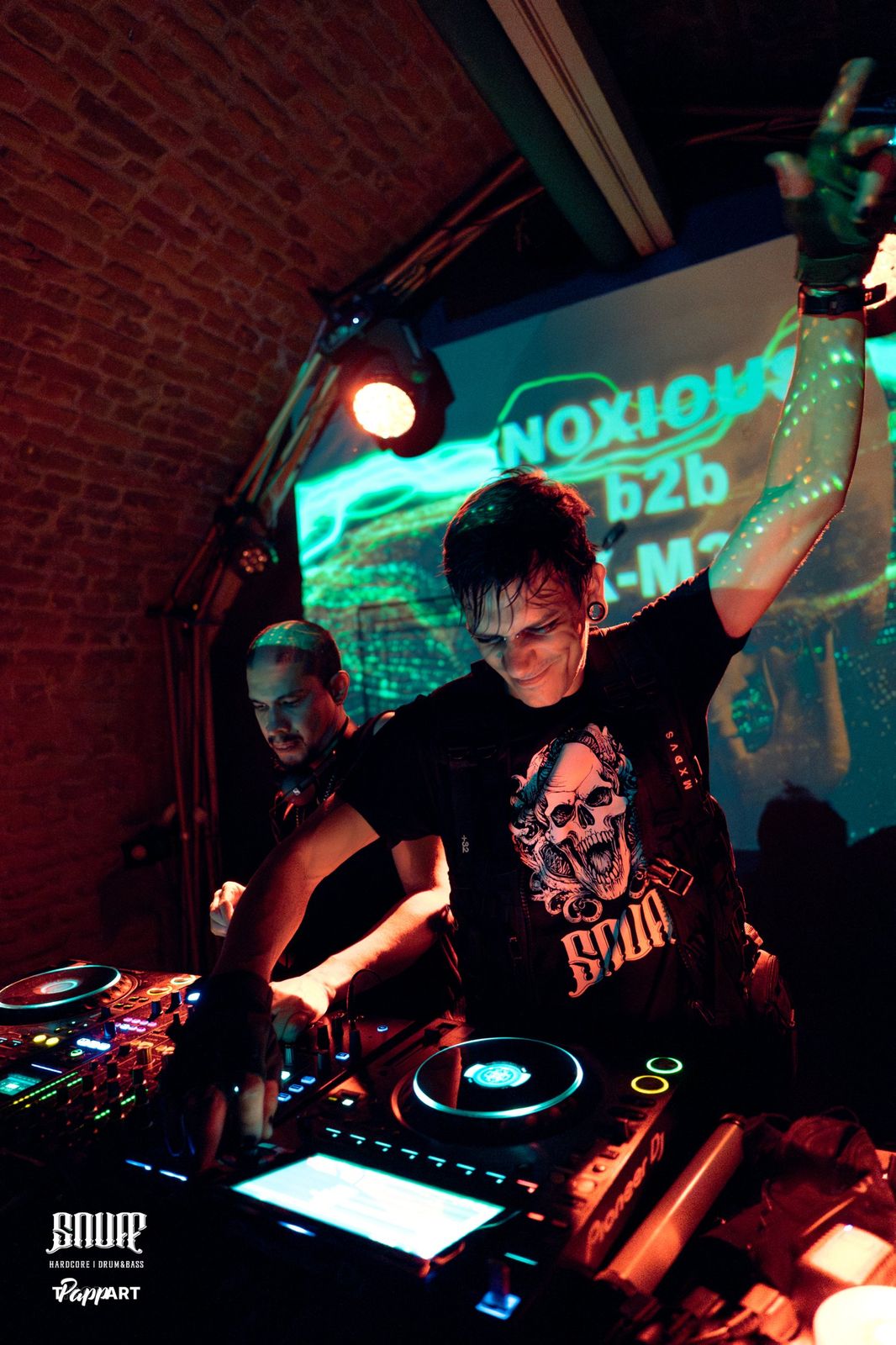
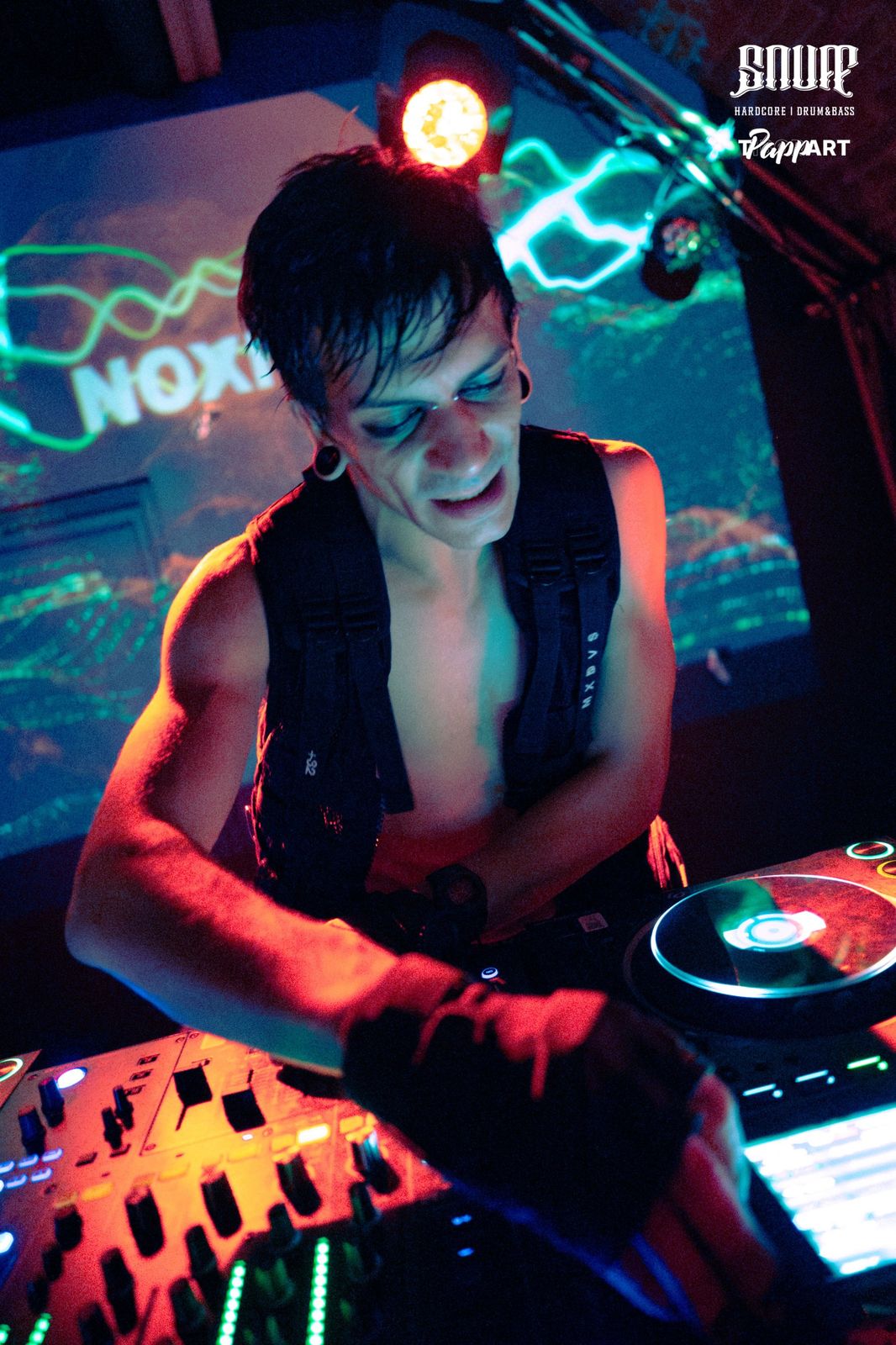
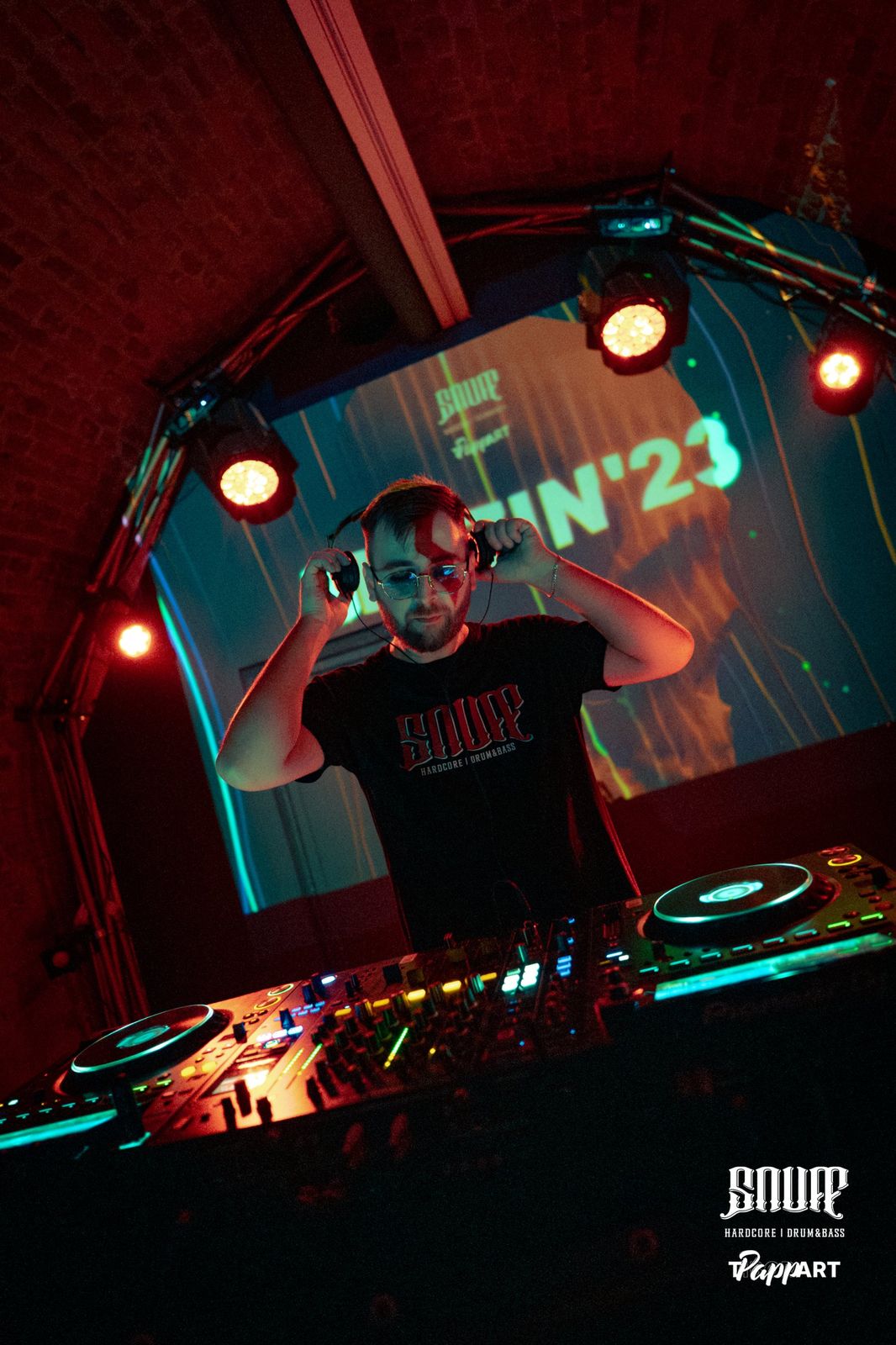
Photos: TPappART
Before doors
From cable to first drop in six steps
Connect the projector
Set Windows to Extend (Win + P). BassPlane opens its output on the projector, fullscreen, and keeps the controls on your screen.
Add a plane
Turn on the test grid and drag the plane's corners onto the corners of the surface, in the preview or on the wall itself.
Add the next one
With Snap on, a corner dragged near another plane's corner clicks onto it, so the two share an edge exactly. Up to twelve planes, spread over up to five projectors.
Choose each picture
A design, the DJ's name in your own font, a video, a spot built from layers, or the timeline. Lay one on top of another, such as a name over moving lines.
Let it hear the music
Run a line from the mixer into line-in, or let the microphone hear the room. The beat is followed from 120 to 240 BPM, fast enough for drum & bass, hardcore and Schranz, and T taps it in by hand.
Run the show
Show puts every projector's picture in front of you at once, with blackout, freeze and the beat under it. Everything is saved as you go, and Ctrl + Z takes back the last thing you did.
The pieces
What goes on a plane
- Text
- Your own words in any font: one that comes with Windows, one installed on the computer, or a font file. Lines that grow with the bass, letters that jump or flicker, a scroll, or words that type themselves out.
- Design
- A line field (a traveling grid among them), an animation (Sine stack, Audio wave, Spectrum, Rain, Matrix text, Lissajous, Plasma, Bass rings, Colour wash), or a light effect from VJ loops: LED wall, pixel blocks, scanlines, a light tunnel, warp streaks, lasers, a light corridor, light strips in the shape of a beating heart, neon columns, light trails, neon frames (rings, triangles, hexagons), a block tunnel, light silk, a dot field, a data tunnel, city lights, light dancers (figures of light that walk, dance, run and jump at the drop, every step on the beat), and a phone crowd: a room of raised phones lighting up together, in waves or on every beat. Copy any of them and give it your own settings and colours.
- Video or image
- Your own files, several at a time. H.264 MP4 is the safe choice. Files are linked, not copied, and a moved file can be pointed to again.
- Spot
- A loop built from layers: designs, videos, logos, 3D objects and alpha maps, stacked and mixed. Use one spot on as many planes as you like.
- Timeline
- Spots and videos one after another, with transitions: crossfade, dip to black, wipes, pushes, iris, dissolve, zoom through, blinds. Graphics sit on top for as long as you say.
- Alpha map
- A moving black-and-white pattern that cuts, tints, lights or outlines a picture. Nineteen ship with the app, from Smoke to Laser grid, and you can make your own.
- Shared picture
- One picture across several planes: split evenly, as on the wall, or by hand. A video still lines up across a doorway or a column.
Five plane shapes
- FlatA wall, a screen, a box face
- TriangleThe point and the two ends of the base
- CircleA flat disc, tilted with its corners
- CylinderA column or a curved wall
- SphereA ball or a dome
Show mode
Made to be run from the booth
Every command has a key and a place in the menus. In Show there are no delete buttons, so nothing leaves the wall by a slip mid-set.
- BBlackout
- SpaceFreeze the picture
- TTap the tempo
- PEvery projector on or off
- EShow or hide the corner handles
- ArrowsMove a corner by 1 px, with Shift by 10
- Ctrl ZUndo, one gesture at a time
- F1The guide, with pictures
Before you buy
What you need
- A Windows 10 or 11 computer, 64-bit, with an up-to-date graphics driver. BassPlane draws with the graphics card.
- Any projector Windows can use as a second screen. For more than one, a video output for each (HDMI, DisplayPort, USB-C or a dock), up to five.
- For music reaction: a line from your mixer into line-in, a microphone, or an audio file.
- No administrator rights, and nothing else to install first.
Good to know
- Videos play without sound.
- Edge blending is for projectors standing side by side: it softens their left and right edges, not top and bottom.
- Columns and balls are lined up by eye, with a Roundness setting.
- Designs can flash with the beat. Lower Beat flashes for audiences sensitive to flashing light.
Video files
| Format | Plays |
|---|---|
| MP4 with H.264, at 1920 × 1080 or below | Yes |
| WebM with VP8 or VP9 | Yes |
| MP4 or WebM with AV1 | Where the graphics card decodes it |
| MP4 with H.265 / HEVC | Only on some computers |
| MOV, M4V, MKV or 3GP with H.264, VP9 or AV1 | Yes |
| AVI (H.264 or Motion JPEG), FLV, TS, camcorder MTS and M2TS | Made into an MP4 as it comes in; H.264 copied as it is, nothing lost |
| MOV with ProRes, DNxHD or HAP; AVI with Xvid or DivX; WMV; MPG | No. Convert to H.264 MP4 |
A video that cannot be played says so on its plane and in the library, with what it is and what to do.
Free trial
Try all of it for 3 days
Everything BassPlane does, on your own projector, at your own night if you like. No card, no account, no key, and no internet needed once it is installed.
Download the free trialBassPlane-Setup-1.6.1-online.exe, 3.6 MB, for Windows 10 or 11. It downloads the rest of BassPlane, about 160 MB, while it installs.
Install it
The installer is new and not signed yet, so Chrome may say the file “isn't commonly downloaded and it may be dangerous”: choose Download suspicious file. When you run it, Windows warns too: choose More info, then Run anyway.
Start the free trial
When BassPlane opens, choose Start the free trial. The top bar counts down the days left.
Keep it
Buy a key whenever you are ready and paste it in. Your mapping, designs and settings stay as they are.
Price
One payment, no subscription
$49once
Buy BassPlaneNot sure yet? Try it free for 3 days first.
Sold through Polar, which takes the payment, adds the VAT for your country and sends the invoice. Your receipt, licence key and download links arrive by email.
What you get
- Both installers: online (about 2 MB) and offline (about 110 MB)
- The built-in guide, also as a PDF
- A licence key for 2 of your own computers
- Use it at your own gigs, paid ones included
Not what you expected? Write to t.papp@pixelwarpstudios.com within 14 days for a refund.
Questions
Before you ask
Can I try it before I buy?
Yes. Download the free trial and choose Start the free trial when BassPlane opens. You get all of it for 3 days, with no card, no account and no internet needed. After 3 days it asks for a licence key the next time it starts; a show that is running carries on, and your mapping, designs and settings stay. Each computer gets one trial.
Chrome or Windows warns me about the installer. Is that normal?
Yes, for now. The installers are new and not signed yet. Chrome says the file “isn't commonly downloaded and it may be dangerous”: choose Download suspicious file. Windows SmartScreen warns the first time it runs: choose More info, then Run anyway. Download BassPlane only from bassplane.com or the links in your purchase email.
Can I install it on a show computer that is kept offline?
Yes. The offline installer, about 110 MB, has everything inside it. The online installer is about 2 MB and downloads the rest, about 160 MB, while it installs.
Activating your licence key needs a connection once per computer. After that BassPlane runs offline.
Do I need a special projector?
No. Any projector that Windows can use as a second screen works. Set Windows to Extend and BassPlane opens its output there.
My projector looks washed out. Can it help?
Yes. Each projector has its own Contrast, Deeper blacks and Stronger colour, and Set for a washed-out projector is a one-click starting point. It costs no frames, and the preview shows it too.
Can I use more than one projector?
Yes, up to five from one computer, each with its own planes on its own screen output. Point one at the back wall and one at the booth, or stand two side by side and blend their overlap into one wide picture. Each projector needs its own video output on the computer.
Every projector draws its own picture, so each one you add asks more of the graphics card.
Does it work with my DJ software or controller?
Yes, because there is nothing to link. BassPlane listens to the sound itself, so it follows whatever you play from, on any software or hardware. Feed it a line from the mixer, or let the microphone hear the room.
Will it keep up with fast music?
It follows the beat from 120 to 240 BPM by default, which covers techno, trance, drum & bass, hardstyle, hardcore and Schranz. A Normal setting covers 70 to 160 for slower music, and T taps the tempo in by hand, up to 300 BPM.
Can I trigger it from a MIDI controller?
No. The show controls are on the computer's keyboard, and the timeline plays through on its own.
Does it run on a Mac?
No. BassPlane is a Windows app.
Will an update lose my show?
No. Installing a newer version over an older one keeps your mapping, designs and settings. You can also save a show to a project file.
The picture is not smooth. What can I do?
The Projector switch shows the frames per second the projector is getting, or the slowest one's when there are several. Lower Quality in the projector's settings, keep the laptop on mains power, and on a laptop with two graphics cards set BassPlane to High performance in Windows. Line fields and light effects cost the most; animations and video cost little.
Where do I get help?
Help (F1) inside the app explains every feature with pictures and saves the same guide as a PDF. For anything else, write to t.papp@pixelwarpstudios.com.